

 Válido hasta: 28/11/2026
 40'HS
 20 días
 Puerto de NingboPuerto de Rotterdam

USD2,450.00
NVOCC · transitario · SCAC YSGS
YSGSRastree los envíos de Globelink con cada evento de terminal, el buque y la ETA actualizada.
Globelink
Datos del directorioNuestro rastreador de contenedores le permite seguir el progreso del envío, incluida su ubicación actual, la ETA y el historial de la ruta, y recibir notificaciones en tiempo real durante el trayecto.
Última actualización: 24 Sep, 22:35
 Ningbo, CNNGBRotterdam, NLRTM





 ATD 12 Aug, 2025 ETA 30 Sep, 2025
 Yangon, MM Empty to Shipper26 Jul 2026, 00:00 Yangon, MM Export received at CY27 Jul 2026, 00:00 Yangon, MM Full Transshipment Loaded28 Jul 2026, 00:00 Singapore, SG Full Transshipment Discharged03 Aug 2026, 00:00
 Singapore, SG Full Transshipment Positioned Out05 Aug 2026, 00:00
Tarifa marítima orientativa en una de las rutas principales de Globelink. Abra la Calculadora de fletes para comparar tarifas de su propia ruta.
Válido hasta: 28/11/202640'HS20 díasPuerto de NingboPuerto de RotterdamUSD2,450.00
 Tarifa de ejemplo para la demostración
Dónde encontrar cada número y qué aspecto tiene.
| Número | Formato | Ejemplo | Dónde encontrarlo |
|---|---|---|---|
| Conocimiento de embarque | Propio de cada naviera, a menudo con el SCAC delante | YSGS… | Arriba a la derecha del B/L; también en el aviso de llegada |
| Reserva | Propio de cada naviera | — | Confirmación de reserva de la naviera o del transitario |
Los nombres de los eventos tal como los muestra la naviera, en palabras sencillas.
Contenedor vacío entregado desde el depósito al cargador para la carga.
Contenedor cargado recibido en la terminal de exportación.
Contenedor cargado en el buque y viaje indicados.
El buque salió del puerto. El siguiente evento será en el puerto de transbordo o en el destino.
Contenedor descargado del buque en un puerto de transbordo o en el puerto de descarga.
El contenedor salió de la terminal hacia el destinatario. Empieza a contar la demora (detention).
Contenedor vacío devuelto al depósito. El viaje ha terminado.
Contenedor retenido por inspección o falta de documentos. Contacte con su agente de aduanas.
Globelink es un transitario (NVOCC) que emite sus propios conocimientos de embarque, SCAC YSGS.
Pegue el número en el formulario de arriba. Los números de contenedor se comprueban mientras escribe, así que un error tipográfico aparece antes de buscar.
Three pallets of bathroom tiles, one shared box, and a customer who wants to know why the ship left without them.
That's a pretty normal day in LCL, and it's the world Globelink lives in. The company is a consolidator: it collects smaller shipments from forwarders, stuffs them together into one container and sends that box out on somebody else's vessel. Its customers are mostly other freight forwarders, not the end importer, so a lot of people searching for Globelink container tracking have never actually spoken to Globelink. They got a reference from their own forwarder and want to see what's going on.
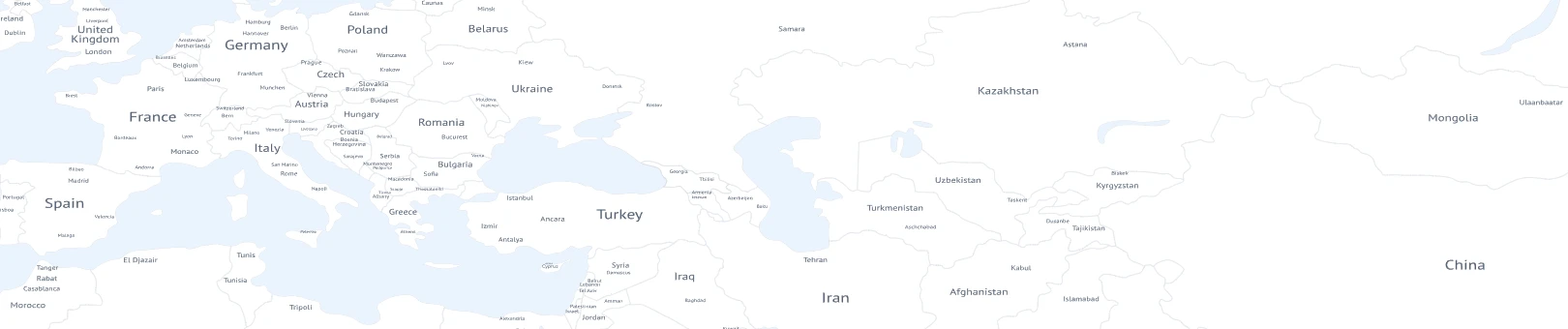
On Globy it's simple enough. Type the number, Globelink is already chosen as the carrier on this page, and the result shows the status, the vessel the consolidated box is sailing on, the events so far and an ETA. There's a map with the ship's position too. Nothing to install. If the ETA moves (and with consolidation services it does move, often because the box sits a few days at the CFS waiting to be filled) the date on the screen changes and you get a notification about it.
Which number to use is where it gets a bit confusing. Globelink tracking works with a bill of lading number or a booking number, not with a container number. And there are usually two bills of lading floating around. The master B/L is the one the ocean carrier issues to Globelink for the whole container. The house B/L is the one issued for your part of it, your three pallets. As the shipper or consignee you normally hold the house B/L (or your forwarder does), and that's the one to enter for Globelink shipment tracking. The booking number helps earlier, before the cargo is even received at the warehouse. If you'd rather track a Globelink container by its box number, that's possible too, but the box belongs to the ocean line and carries their prefix, so you'd look it up under that carrier instead.
The timeline for LCL has a few extra steps compared to a full container. Cargo received at the origin CFS, stuffed, gate-in at the port, loaded, maybe a transshipment in a hub like Singapore or Colombo, discharged, then devanning at the destination CFS before your pallets are free to go. That last part trips people up. The vessel can arrive on Monday and your goods still won't be ready until Thursday because the box has to be unpacked and split. Globelink cargo tracking shows the ocean part well, the warehouse part depends on what gets reported.
For planning, the useful dates are discharge and availability at the CFS. Customs clearance can usually start once the house B/L and invoice are in order, and it's worth doing that before arrival so storage charges don't start running. Make sure the consignee details on the house B/L match the import documents, because a typo there is surprisingly common and slows the release.
When the number shows nothing, it's often because the consolidation hasn't closed yet and the box hasn't been assigned to a vessel. Give it a day. If the status then sits still for a week, ask your forwarder to check with Globelink directly - the Globelink container tracking timeline can only display what's been reported to it.


Realice la búsqueda y localice la ETA del puerto de destino o lugar de entrega. Si aparecen varias fechas, compruebe a qué etapa corresponde cada una. La llegada estimada al puerto de Globelink no indica necesariamente cuándo recibirá la mercancía el destinatario.
La ETA es una previsión. La llegada real registra un evento que ya ocurrió en la ubicación indicada. En Globelink, lea tanto la fecha como la etiqueta del evento para distinguir una estimación futura de un movimiento completado.
No necesariamente. El buque puede llegar antes de que se descargue el contenedor o la terminal lo ponga a disposición. Confirme las autorizaciones y condiciones de recogida con las partes que gestionan su envío de Globelink antes de enviar un camión.
Pueden aparecer datos de reserva o eventos en origen antes de que zarpe el buque, cuando estén disponibles. Necesita una referencia admitida por Globelink. Si aún no aparece ningún registro, confirme la reserva con el remitente; no presuponga que la mercancía ya ha salido.
Puede ser la última ubicación real registrada o faltar todavía la actualización de salida. Compruebe la hora del evento y si es previsto o real. Si el envío de Globelink debería haber zarpado, solicite confirmación a quien gestiona la reserva.
No. El horario describe servicios previstos entre ubicaciones. El seguimiento muestra los registros disponibles de un envío o contenedor concreto de Globelink. Utilice los horarios para planificar rutas y el seguimiento para consultar el progreso de mercancía ya reservada.
Todas las navieras y NVOCC de Globy, de la A a la Z.
A
B
C
E
G
H
M
N
O
P
S
T
W
Z


